Start/End Time and Date
Start/End Time and Date
Users can display start time and end time as well as dates in their Google Calendar Widgets using fixed values, allowing dynamic changes to the calendar feeds, like the ones generated by Google Calendar. For example, you can extend a calendar widget about your favorite baseball team to cover their schedule by extending the range to match the start and end times of the regular season, or you can show all events in a month by altering a few values instead of manually entering calendar dates.
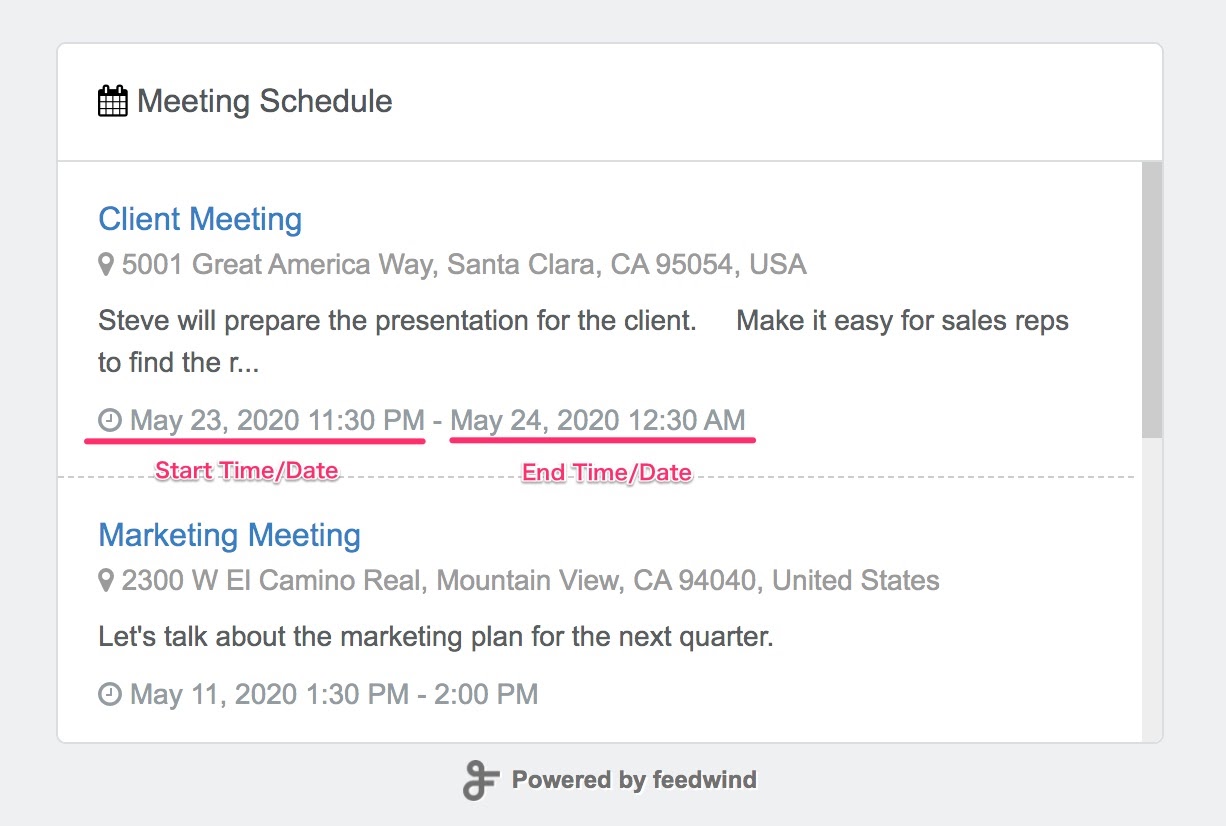
Enabling and Formatting Time/Date
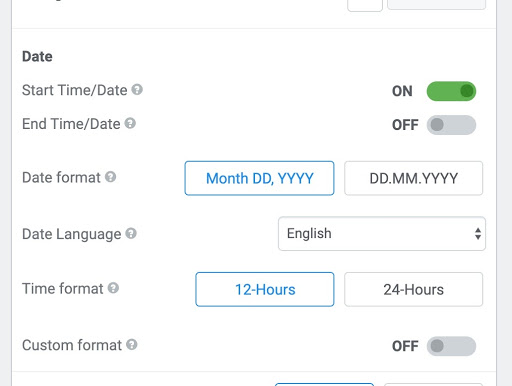
These instructions relate to the Date section on the left side of the widget creation screen, as seen in the image above:
- Activate or deactivate the Time/Date features using the switches next to their corresponding titles (Start Time/Date and End Time/Date, respectively).
- You can select Date Language from English, German, French, and Dutch. The month and the day of the week are optimized for each language.
- The Date Format and Time Format buttons are a simpler but less exact way to enter date/time strings.
- The Custom format text box is used to specify a date/time format using the standard list of date/time strings, e.g.: %b %e %Y %l:5M %p.
The setup screen and preview is provided for you to experiment with these values and buttons, observe the changes, and adjust them until the results are satisfactory.
Start/End Time and Date Example
We’ve provided an example calendar on this page where you can experiment with the values of a calendar and observe the changes. The link contains a company calendar with the type of events you will see at an organization, to give you an idea of how this feature can be used for business.
Related posts
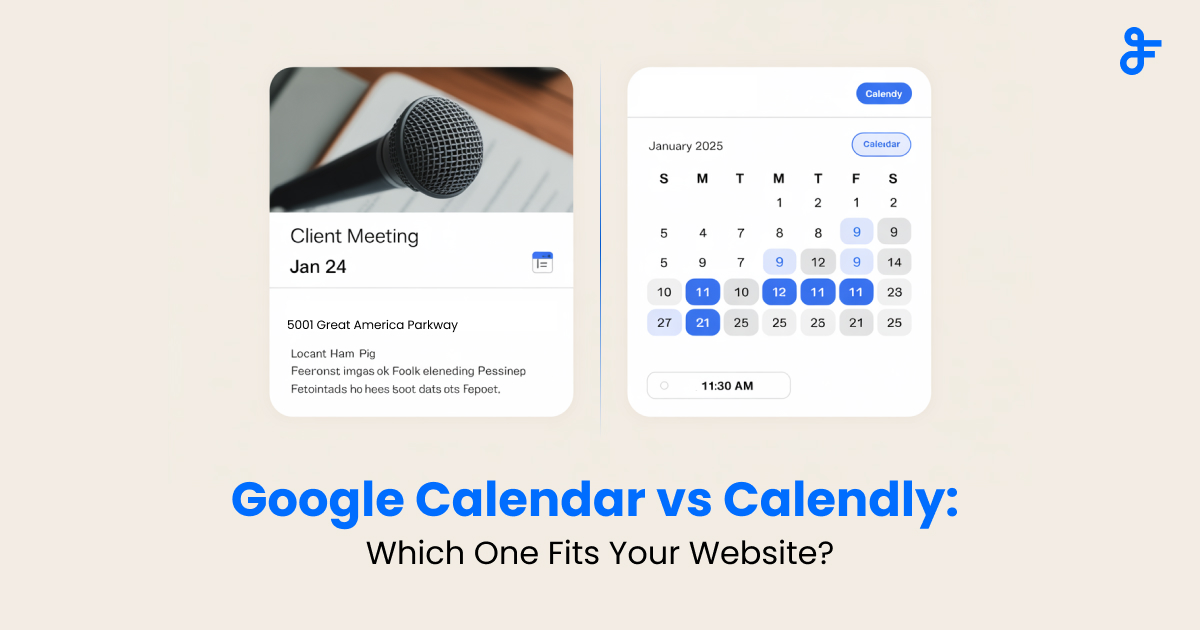
Google Calendar vs Calendly: Calendar Widget vs Booking Tools—What’s Best for Your Website?
If you run a blog, community platform, or news site, sharing important dates with your visitors is essential. But...
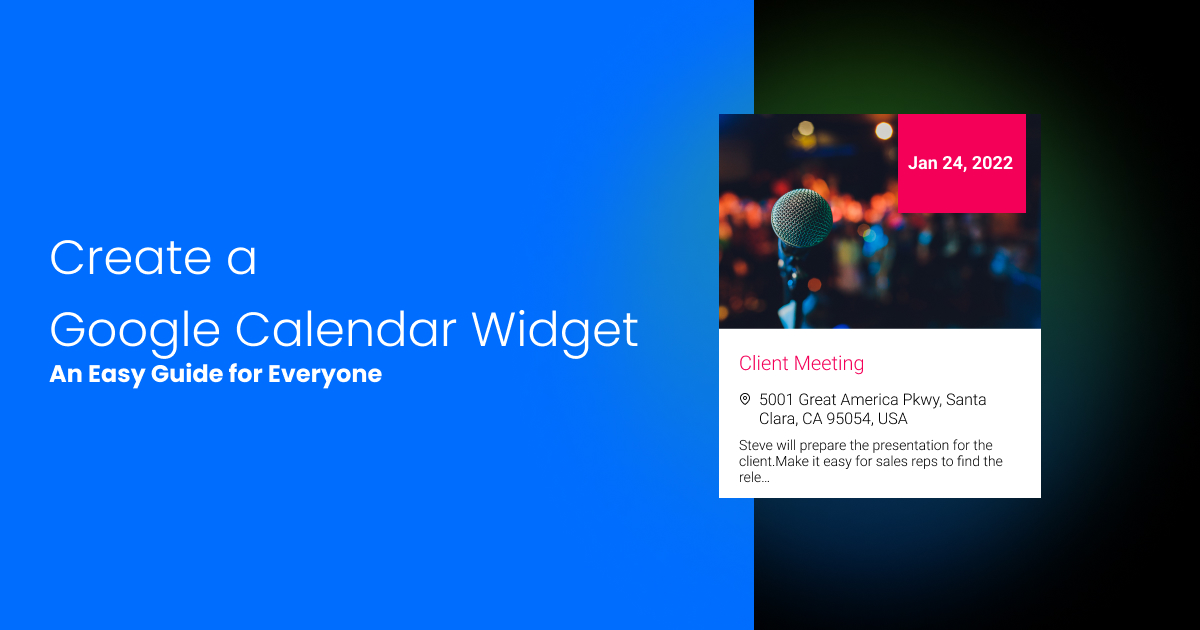
How to Create a Google Calendar Widget: An Easy Guide for Everyone
Keeping track of your schedule is crucial, and the Google Calendar widget helps you stay organized. But what if...
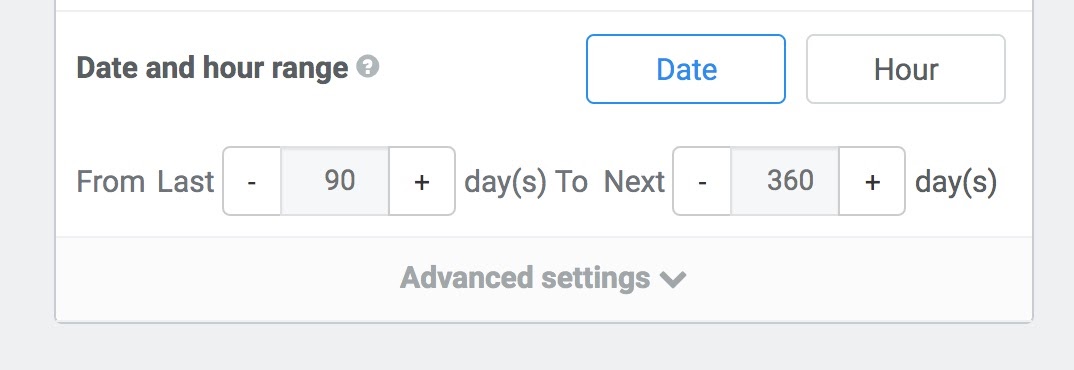
Date and Hour Range
An official document from FeedWind explaining the Date and Hour Range feature for Google Calendar feeds.