TikTok Widget for Websites | Easy Setup
Contents
TikTok videos grab attention like nothing else. A TikTok widget puts those short, fun videos right on your website – automatically pulling the latest clips from any TikTok profile, hashtag, or sound. No tech skills needed, and your site stays fresh without you lifting a finger.
Why Add TikTok Videos to Your Site
People love watching TikTok videos. When you add them to your homepage, blog, or shop page, visitors stick around longer and click more. Videos play automatically in a cool grid or slider that fits perfectly on phones and computers. New videos appear by themselves, so you never have to update anything.
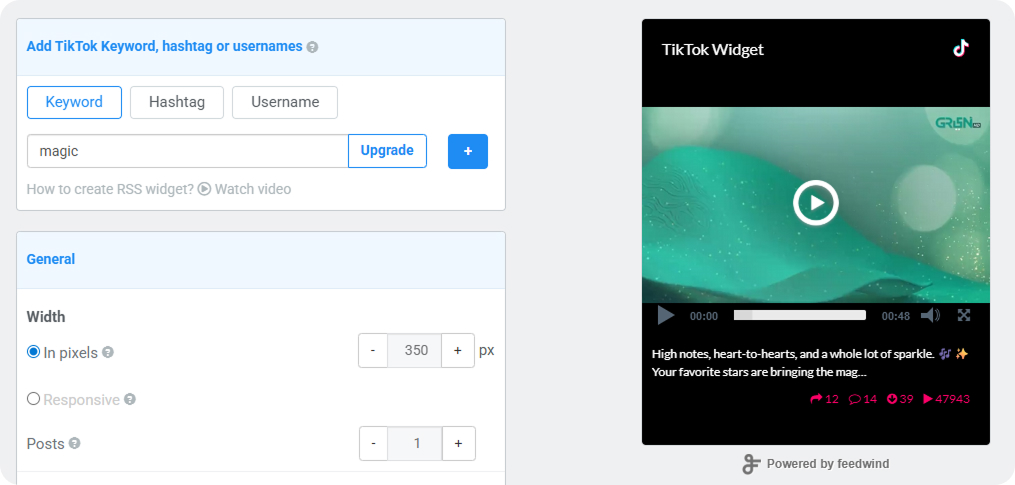
How to Make a TikTok Widget (5 Easy Steps)
- Step: Pick TikTok
Click the TikTok icon in the popup with all the app choices (RSS, Facebook, Instagram, YouTube, etc.).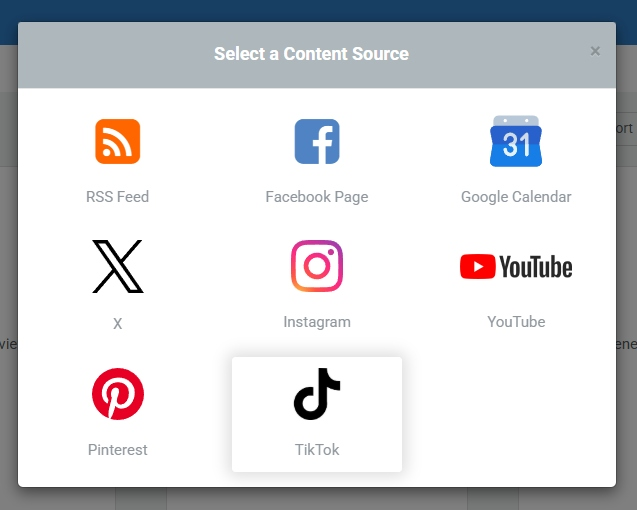
- Step: Add Your TikTok Link
You can pull content using: Keyword, Hashtag & Username. Paste it in the box.
This gives you flexibility to display:- Your own content
- Trending TikTok videos
- Niche-specific feeds
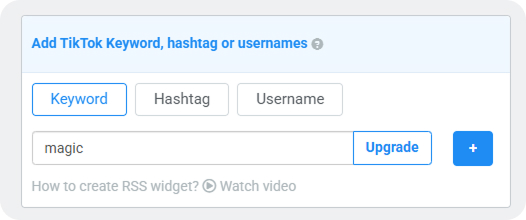
- Step: Choose Your Style
Pick how videos show up small grid for sidebars, big slider for main areas, or a simple list. - Step: Make It Look Right
Change colors to match your website. Make it wide or narrow. - Step: Copy & Paste
Click “Get Code.” Paste that code anywhere on your site (WordPress, Wix, Squarespace and more). Done!
Best Practices for Using TikTok on Your Website
To get the most out of your TikTok widget:
✔️ Showcase Social Proof
Display real content from your TikTok to build trust.
✔️ Highlight Trends
Use hashtags to show trending videos in your niche.
✔️ Keep It Fresh
Auto-updating feeds ensure your website never feels static.
✔️ Match Your Branding
Use FeedWind’s customization to align with your design.
Try the FeedWind TikTok Widget Today
Ready to turn your TikTok content into a live website experience?
👉 Start your free demo now and see it in action
Related posts
LinkedIn Widget: Live Feed Setup
Contents1 Why Use a LinkedIn Widget2 How to Create Your LinkedIn Widget A LinkedIn widget lets you display live...

New DOM-Based RSS Feed: Easily Add News and Updates to Your Website
Contents1 A Better Way to Share News with a DOM-Based RSS Feed1.1 What was the Old iFrame RSS Feed?1.2...
Google Calendar vs Calendly: Calendar Widget vs Booking Tools—What’s Best for Your Website?
Contents1 What is a Calendar Widget?1.1 Why Calendar Widgets Are Handy:1.2 What Are Booking Tools?1.2.1 Why Booking Tools Are...